
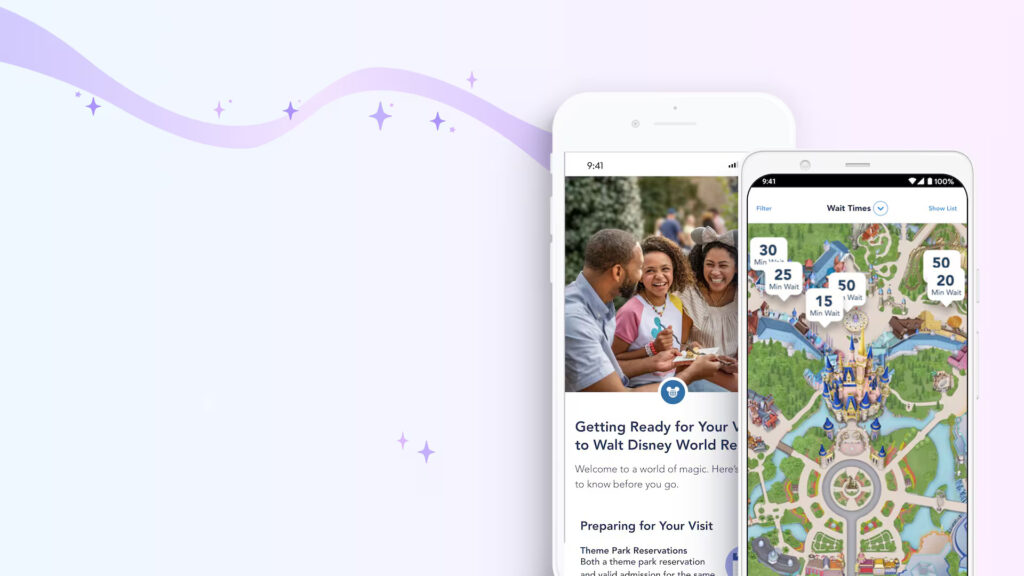
Planning a Disney vacation can be a whirlwind of decisions, from booking dining reservations to checking ride wait times. For many of our readers, these tasks are handled almost entirely within the My Disney Experience (Walt Disney World) and Disneyland apps.
For years, one of the biggest hurdles for Spanish-speaking guests has been the language barrier within these essential apps. Thankfully, that changed today.
What’s New? As of July 1, 2026, Disney has officially rolled out Spanish language support across both the My Disney Experience and Disneyland apps. This update is a huge step forward in making the guest experience more inclusive, intuitive, and—most importantly—less stressful for Spanish-speaking visitors.
What You Need to Know:
- How it Works: The app will automatically adapt to your preferred language settings if your phone is set to Spanish.
- What’s Covered: You’ll find expanded translations across most of the guest-facing pages, including those all-important planning tools for Lightning Lane access, dining reservations, and park schedules.
- A Work in Progress: While this is a massive improvement, it isn’t 100% complete yet. Some specific areas, such as Mobile Order menus and Mobile Merchandise checkout, remain in English for the time being. Disney hasn’t provided a timeline for when these remaining sections will be fully translated, but we expect them to catch up soon.
For many, the My Disney Experience and Disneyland apps are the “command center” of a vacation. Forcing guests to navigate complex trip-planning features in a second language has historically added an unnecessary layer of friction to what should be a magical experience.
This update isn’t just a “nice-to-have “—it’s a vital usability upgrade. It signals that Disney is listening to guest feedback and taking concrete steps to ensure that planning a vacation feels seamless for everyone, regardless of their primary language.
If you or your travel party prefer navigating in Spanish, make sure your app is updated to the latest version and check your phone’s system language settings. It’s a great time to jump back into your app and see how much easier it is to manage your upcoming plans!
Have you had a chance to test out the new Spanish language features yet? Let us know on social media!
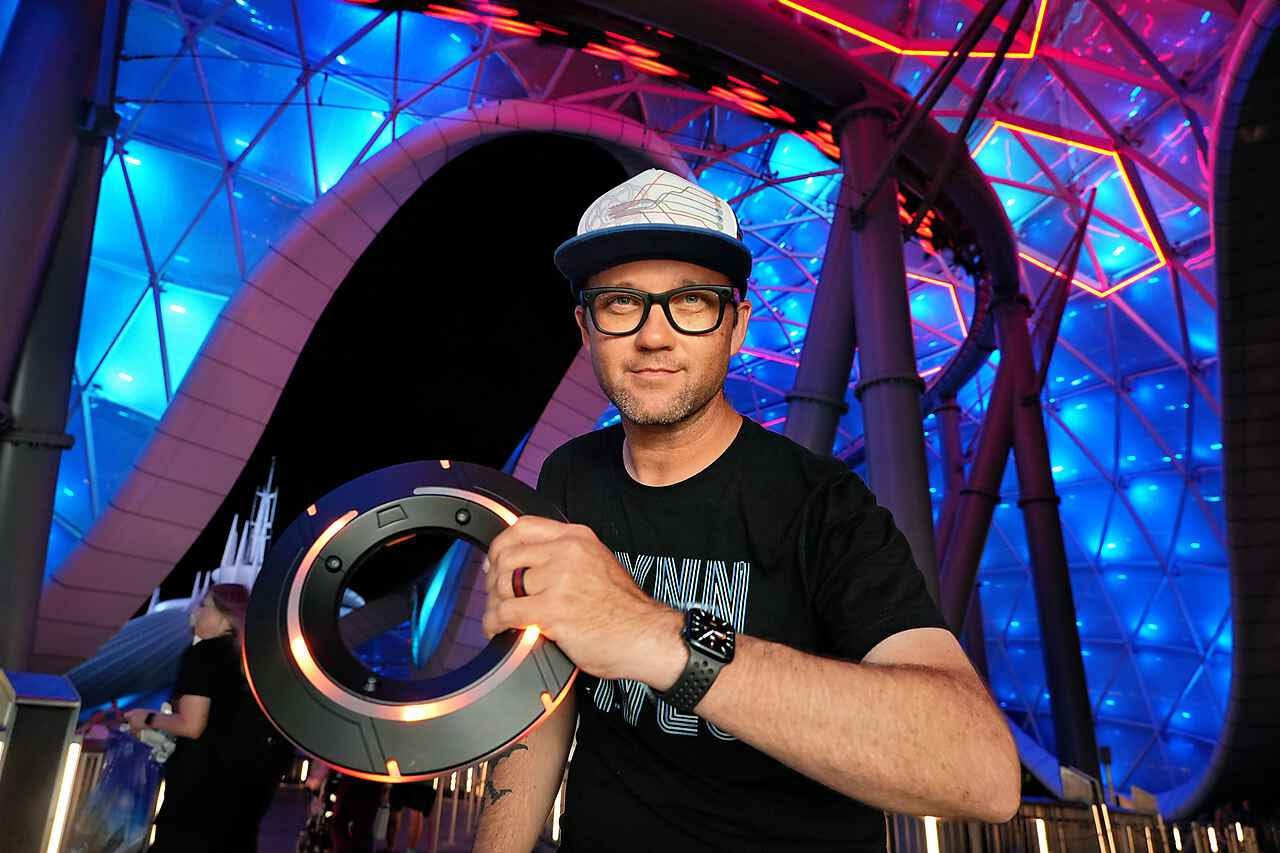
Clint Gamache is the owner of ThrillGeek. He started ThrillGeek to share his love of theme/amusement parks and pop culture with the world. You can find him at Halloween Horror Nights. Also, be sure to follow him on Twitter/X, Instagram @iamcg83
You may also like...
Savi’s Workshop Unveils an Updated “Protection and Defense” Lightsaber and Major Blade Upgrades
Disney Believe Revealed: First Look at New Venues, Entertainment and More Coming to Disney Cruise Line’s Newest Ship
Cosmic Rewind at EPCOT Gets a Holiday Playlist
Obligatory Holiday Overlay: What’s New at Rock ‘n’ Roller Coaster This Holiday Season